


AI Companion · Local-first
Public BetaLuna
A local-first AI companion from NovaSynth Labs. Luna is designed to run on your machine using local models — so your conversations stay with you. The public beta is available now.
What Luna is
- A calm, local AI companion built for everyday presence — not a cloud chatbot.
- Runs on your device with local models, so chats stay on your machine by design.
- VRM avatar presence with voice via Edge TTS for a fuller companion experience.
- Long-term memory so conversations can feel continuous over time.
- Optional cloud models when you want them — local-first remains the default path.
- Built with privacy, clear boundaries, and long-term reliability in mind.
Status
The public beta is live for Windows. You can download Luna from the official GitHub repository and start using it today.
This page is the official Luna overview from NovaSynth Labs. Feedback and issues are welcome through the project repository.
Open Luna-Beta-v2Local models, by design
Luna is built to run on your computer. Inference happens with local models rather than shipping every conversation to a remote service — with optional cloud models available when you choose them.
On-device
Models run locally so your chats stay on your machine.
Privacy-first
Local-first architecture aligns with NovaSynth’s focus on user control.
VRM · Edge TTS
Avatar presence and voice synthesis as part of the companion experience.
Windows
Public beta is available now for Windows desktop.
Official repository · Windows public beta
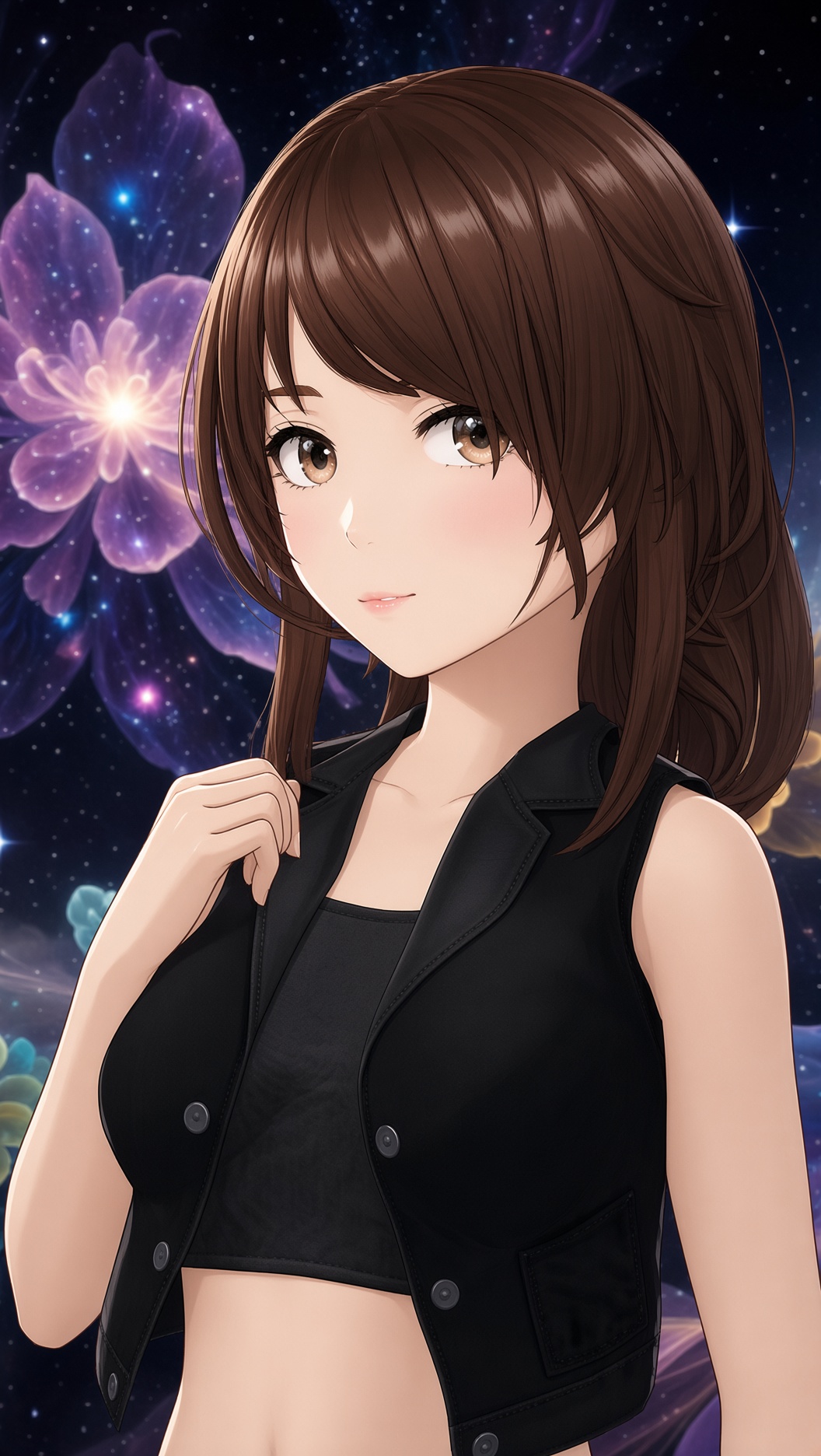
Flagship character · NovaSynth Labs
A companion that stays on your side of the screen.
Long-term memory, local models, VRM avatar, and Edge TTS — with optional cloud models when you want more reach. Privacy by design, from day one.